Monitor positioning is one of the most important yet frequently overlooked aspects of workstation ergonomics. Even when employees have quality equipment and comfortable seating, poor screen placement can contribute to discomfort, fatigue, and reduced productivity throughout the working day.
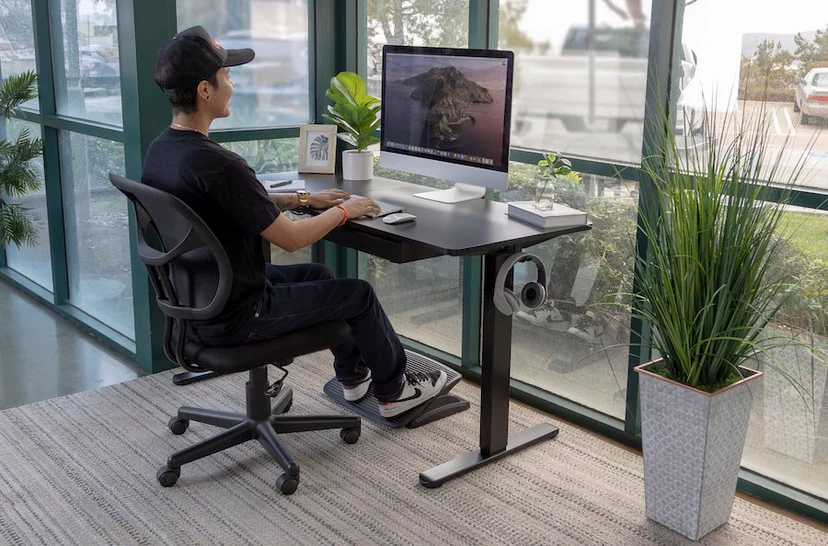
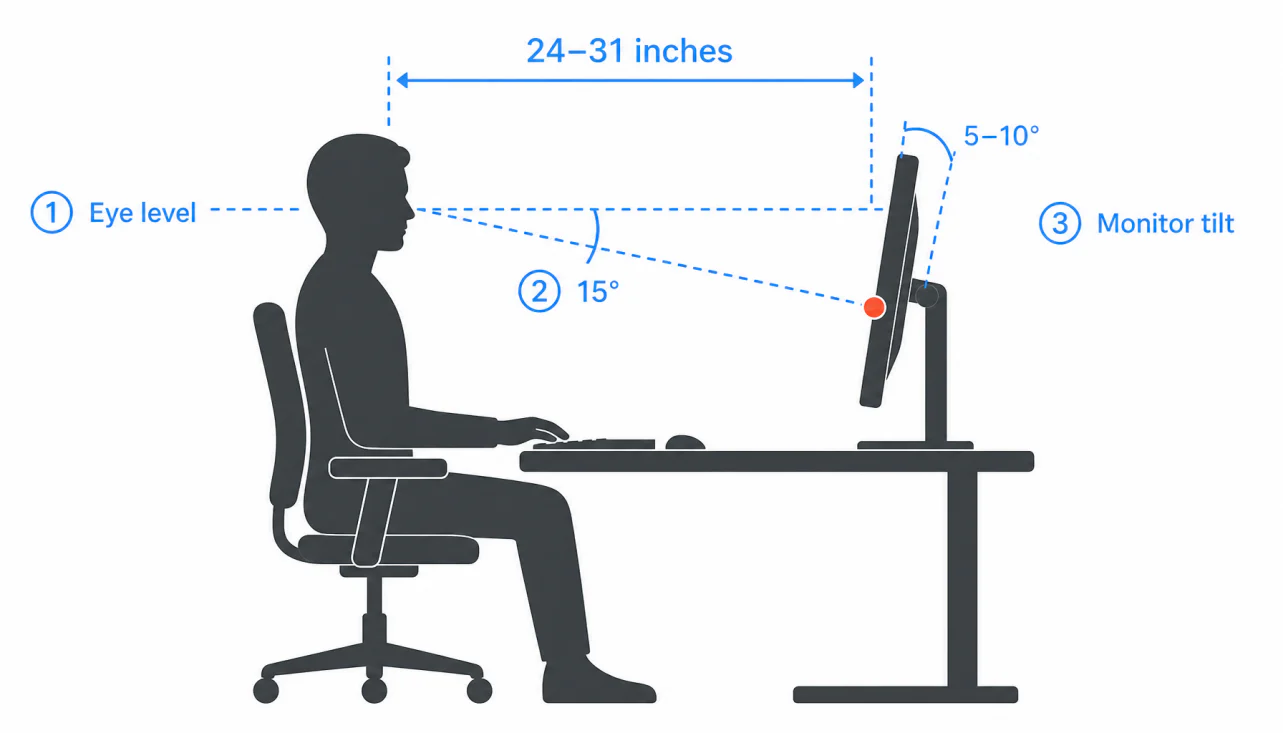
Monitor height directly affects neck posture. When a screen is positioned too low, users often tilt their heads downward for extended periods, increasing strain on the neck and upper back. Conversely, monitors that are too high may cause users to raise their heads unnaturally, leading to similar issues. Ideally, the top of the screen should be at or slightly below eye level, allowing the user to maintain a neutral head position.
Reach distance is equally important. A monitor positioned too far away may encourage employees to lean forward in an attempt to view content more clearly. This forward posture places additional stress on the neck, shoulders, and lower back. Screens that are too close can contribute to visual discomfort and eye fatigue. In most cases, a comfortable viewing distance is approximately an arm’s length away, although individual preferences may vary.
Multiple-monitor setups require additional consideration. Employees should position their primary monitor directly in front of them, while secondary screens should be placed close enough to minimise excessive neck rotation. Frequent twisting or turning can gradually contribute to muscular strain.
Correct monitor positioning supports both physical comfort and visual wellbeing. Combined with regular breaks and healthy working habits, proper screen placement can help reduce discomfort and improve concentration throughout the day.
Small adjustments often produce significant results. By paying attention to monitor height and reach distance, employees can create a more comfortable and efficient workstation while supporting long-term workplace health.