When employees experience discomfort at work, the immediate assumption is often that new equipment is required. While specialised ergonomic products can be helpful in some situations, many workstation issues can be improved without any additional purchases. Small adjustments to existing equipment and working habits often provide surprisingly effective results.
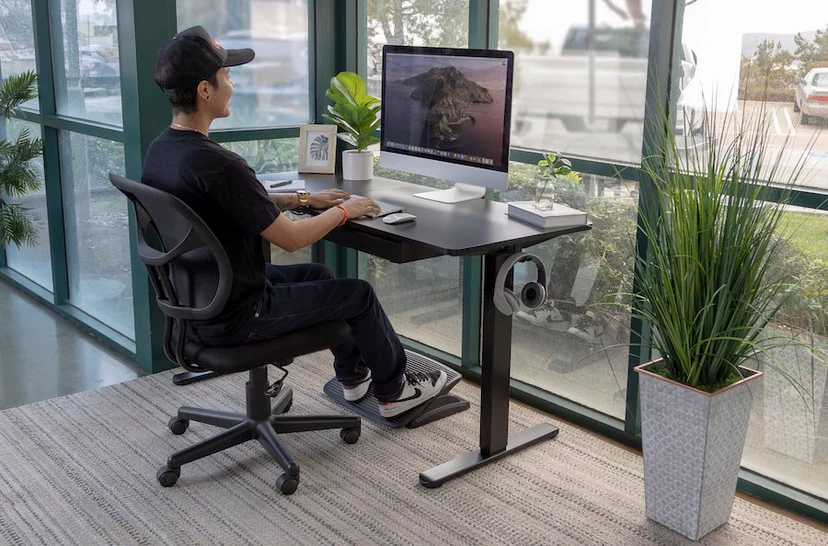
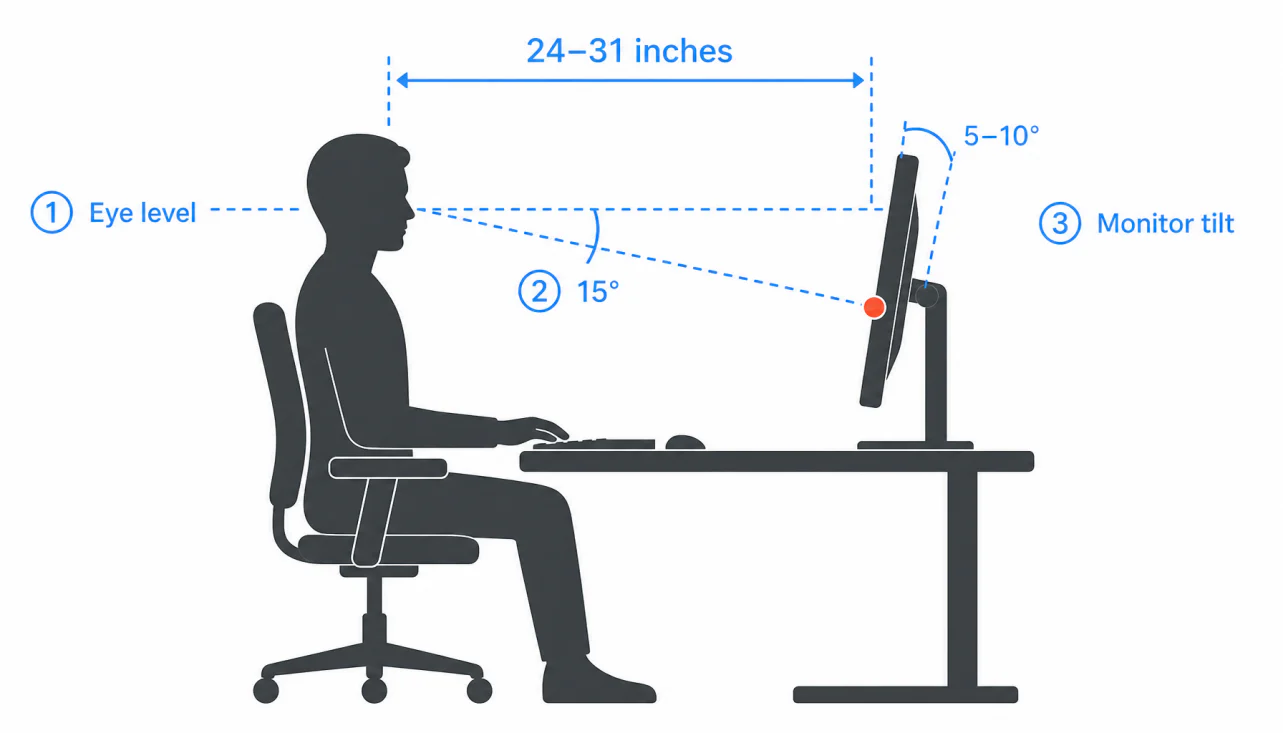
The first step is evaluating workstation setup. Monitor placement should allow the user to maintain a neutral head position without looking excessively up or down. Chairs should be adjusted so that feet rest comfortably on the floor and the lower back receives adequate support. Even simple modifications to seat height or screen position can make a noticeable difference.
Keyboard and mouse placement should also be reviewed. Keeping these devices close to the body helps reduce reaching movements and minimises strain on the shoulders and arms. Organising frequently used items within easy reach can further support comfortable working postures.
Movement is another key factor. Remaining in the same position for extended periods can contribute to stiffness and fatigue, regardless of workstation quality. Employees should aim to change posture regularly, stand periodically, and take short movement breaks throughout the day. These simple habits encourage circulation and reduce the physical demands of prolonged sitting.
Workspace organisation can also influence comfort. Removing clutter, improving lighting conditions, and creating a more functional work area may enhance both wellbeing and productivity. In many cases, employees already possess the equipment needed for an effective workstation but simply require guidance on how to use it correctly.
Before investing in new products, it is often worthwhile to explore practical adjustments and ergonomic best practices. Many discomfort-related concerns can be addressed quickly and cost-effectively, creating a healthier and more comfortable working environment without additional expense.