Hybrid working has become a common arrangement for many organisations, allowing employees to divide their time between home and office environments. While this flexibility offers many benefits, it also introduces ergonomic challenges. Employees often work from different locations using different equipment, which can lead to inconsistent workstation setups and increased discomfort if not managed properly.
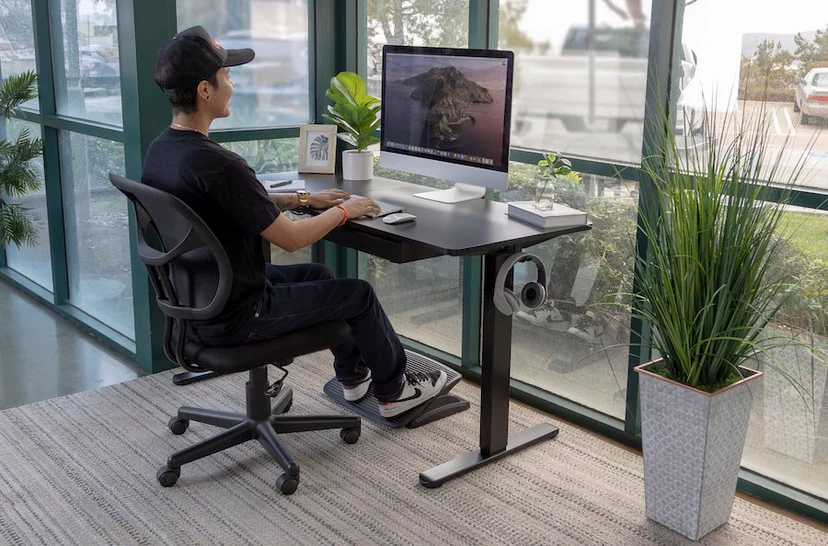
The first step in creating an effective hybrid workstation is ensuring consistency wherever possible. Employees should aim to maintain a similar setup both at home and in the office. This includes monitor placement, chair adjustments, keyboard positioning, and desk height. When workstations are configured similarly across locations, the body is less likely to experience strain caused by constantly adapting to different working environments.
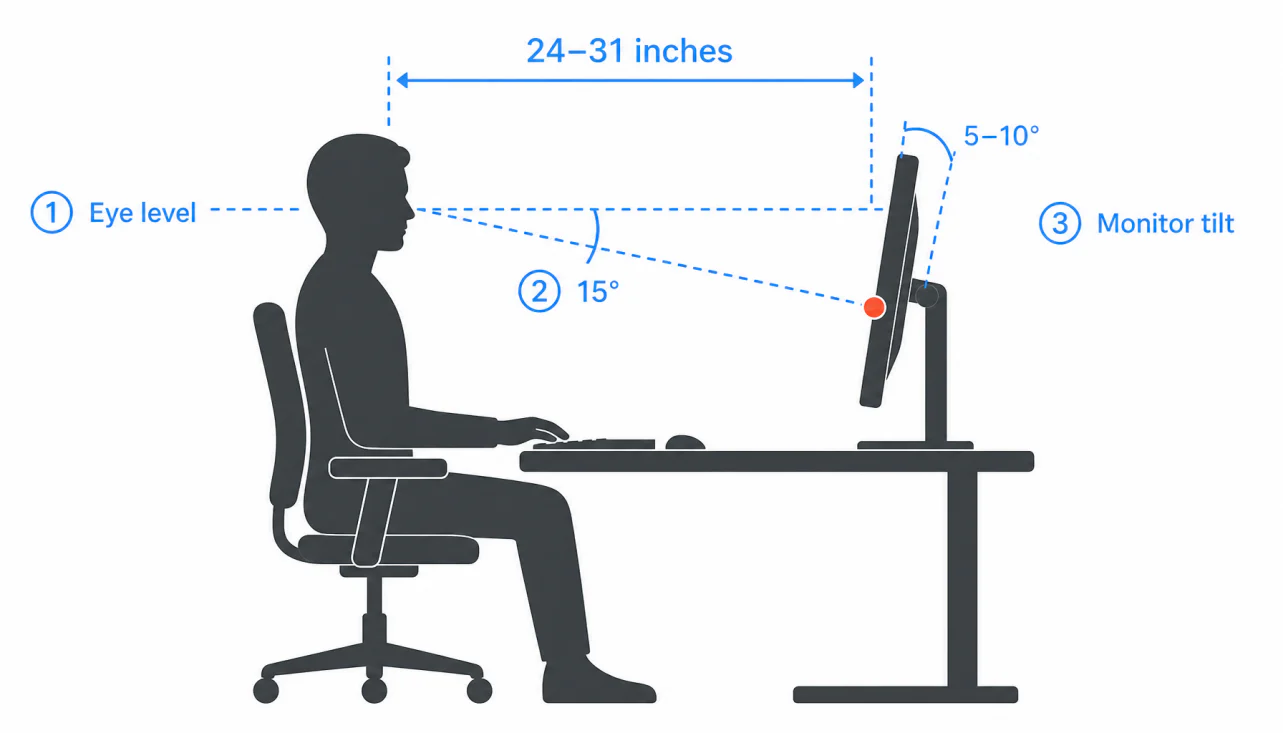
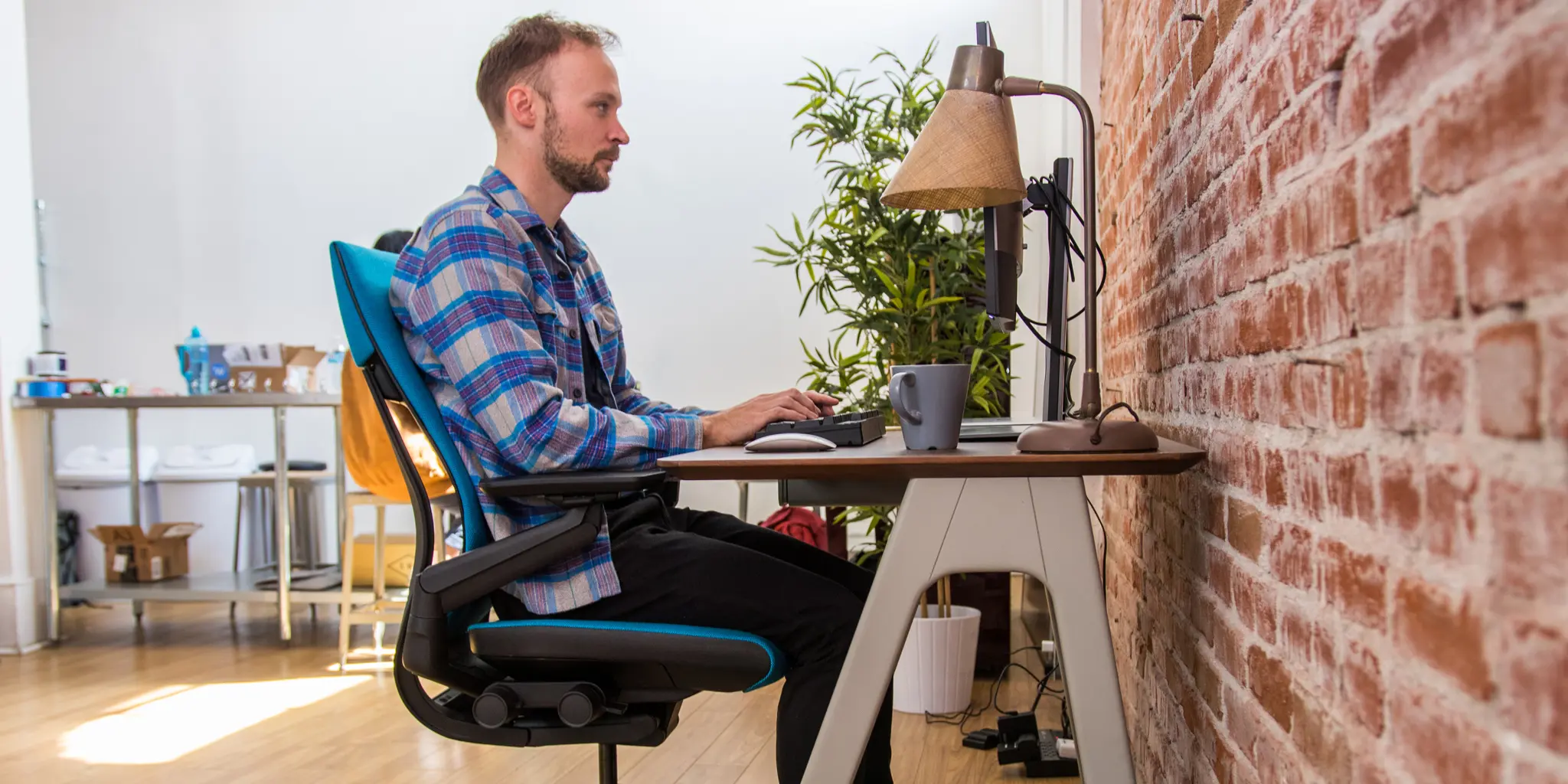
Monitor placement plays a particularly important role. Screens should be positioned directly in front of the user, with the top of the monitor approximately at eye level. This helps reduce unnecessary neck movement and encourages a more natural posture throughout the day. External keyboards and mice can also significantly improve comfort, particularly for employees who regularly use laptops.
Seating should provide adequate support for the lower back and allow the user to maintain a comfortable posture. Feet should rest flat on the floor or on a suitable footrest if required. Regular movement throughout the day remains equally important, regardless of location.
Hybrid workers should also consider factors such as lighting, workspace organisation, and available desk space. A dedicated work area can help improve concentration while reducing the temptation to work from unsuitable locations such as sofas or dining chairs.
By taking a proactive approach to workstation setup, hybrid workers can enjoy the flexibility of remote working while maintaining comfort, productivity, and long-term wellbeing.